
AI flows users can follow
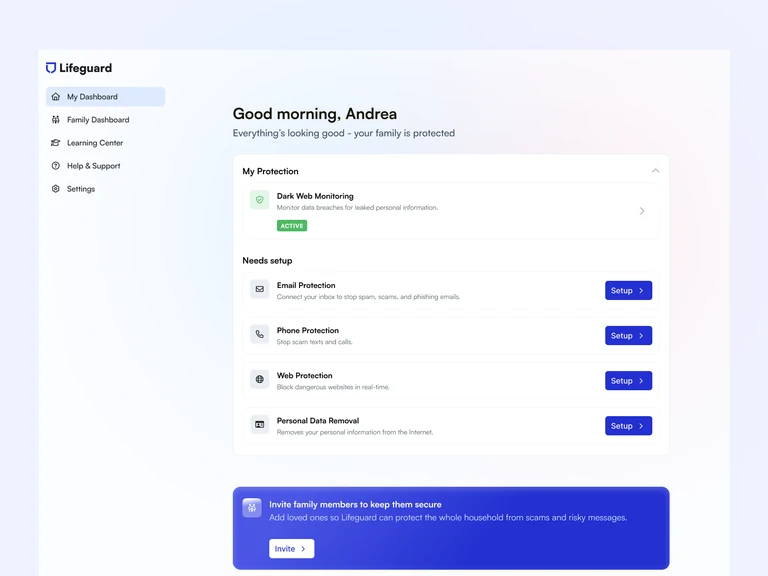
Copilots, agents, and inline help structured so users always know what the AI is doing and what happens next.
AI SaaS UX/UI & Product Design
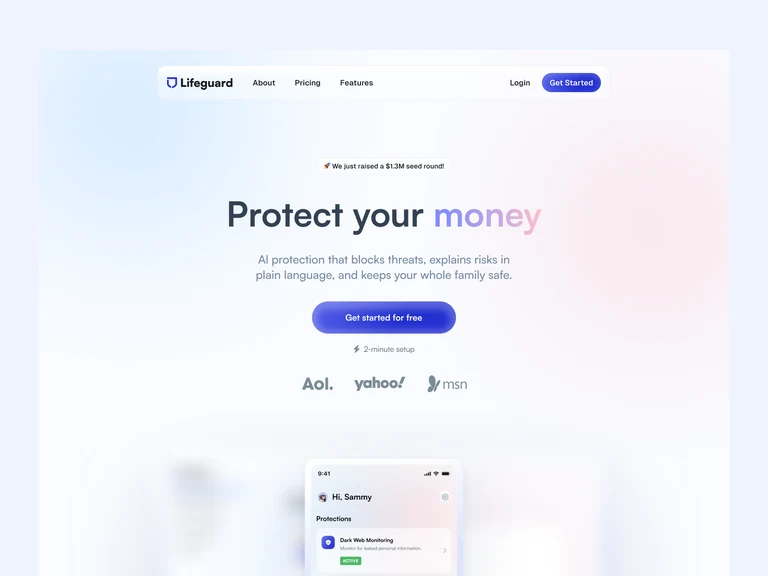
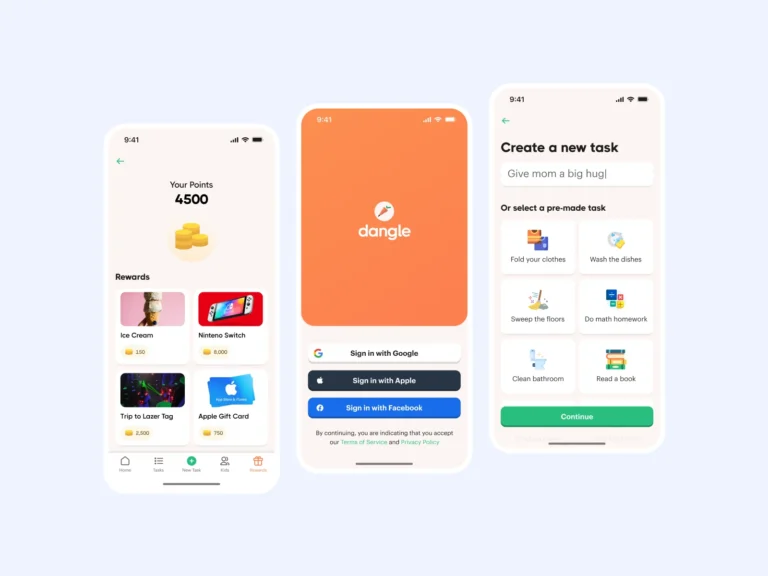
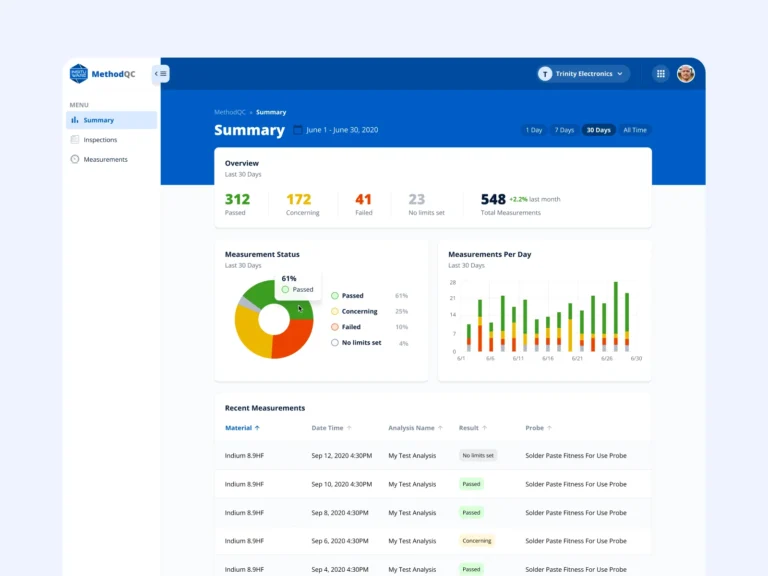
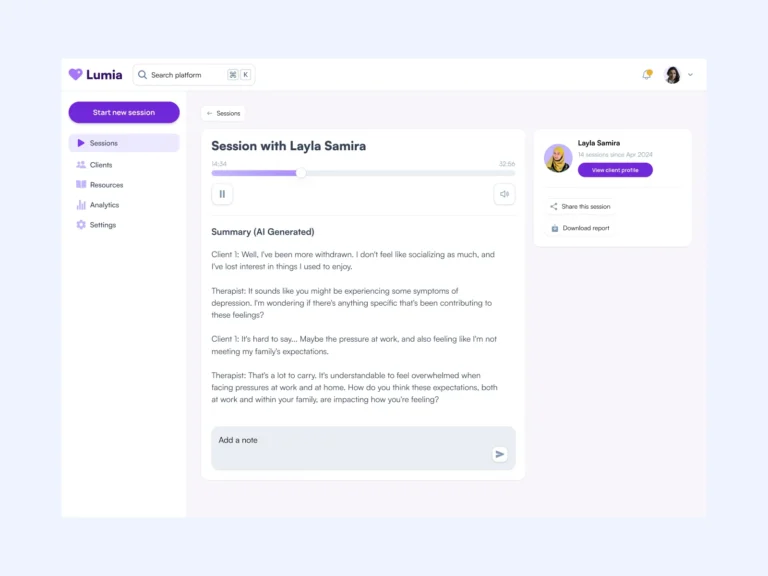
Clear AI flows for your startup: copilots, agents, and inline help designed with proper states and review steps, delivered as dev-ready Figma screens your engineers can build from.
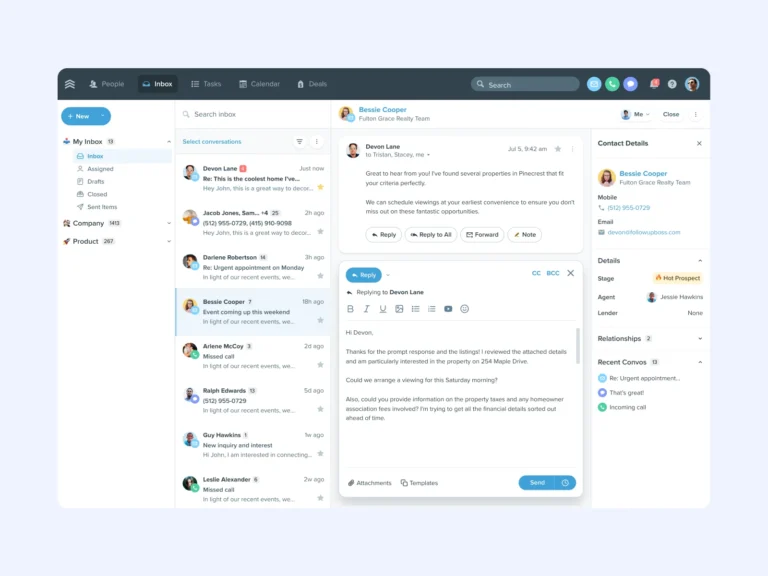

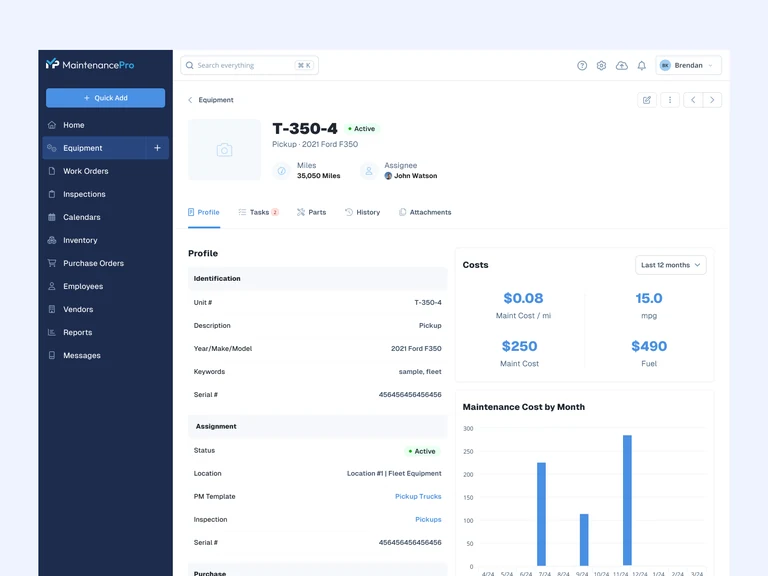
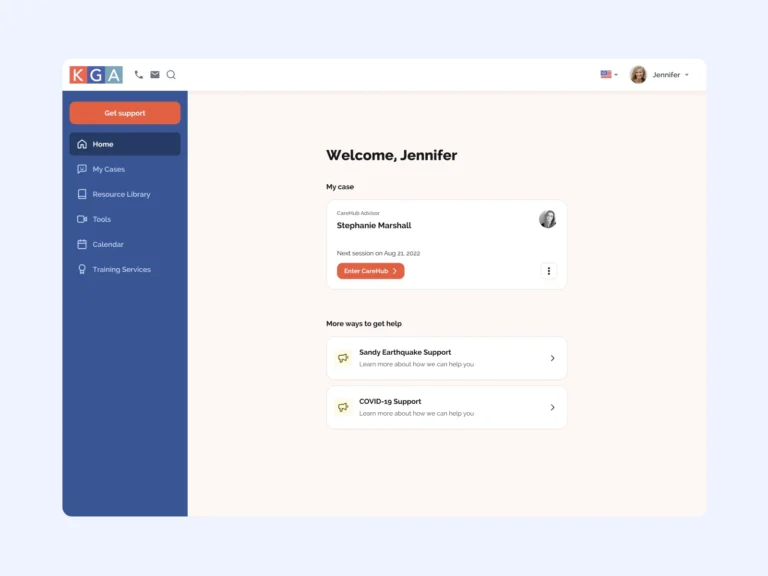
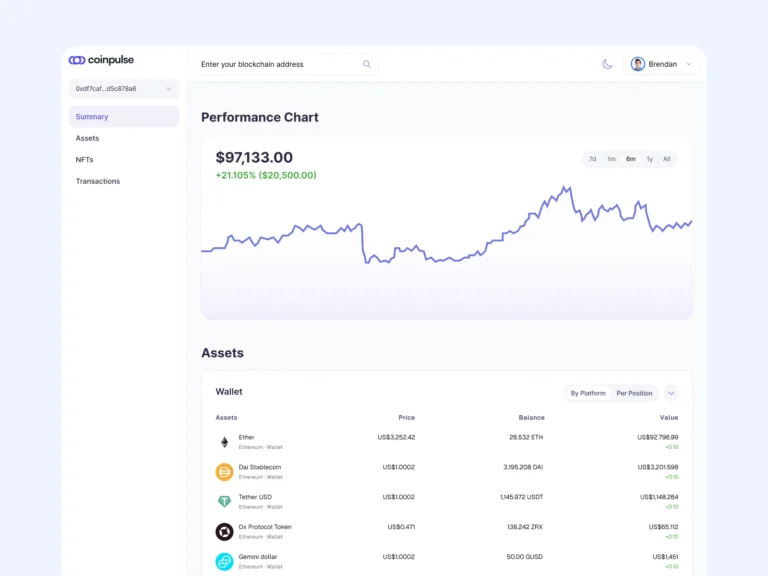
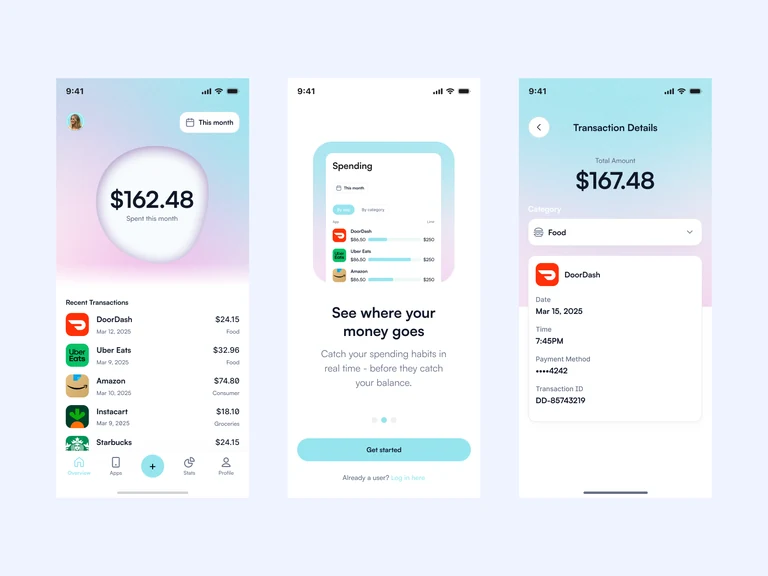
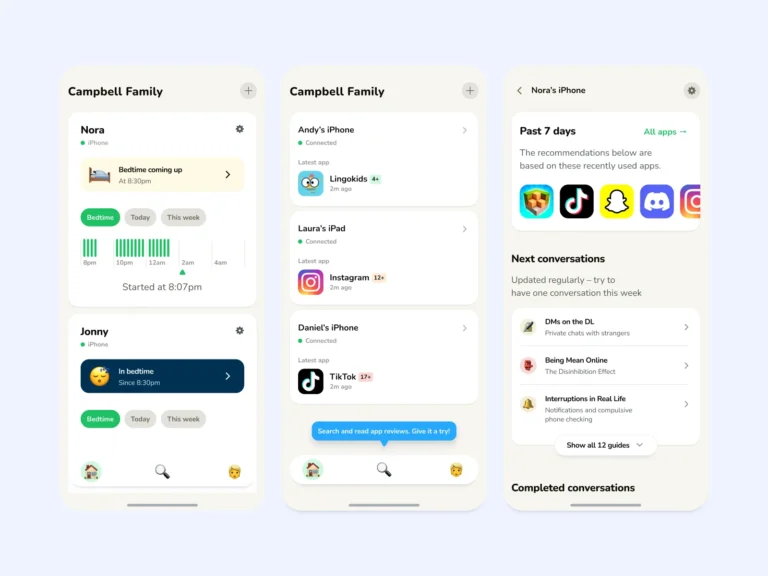
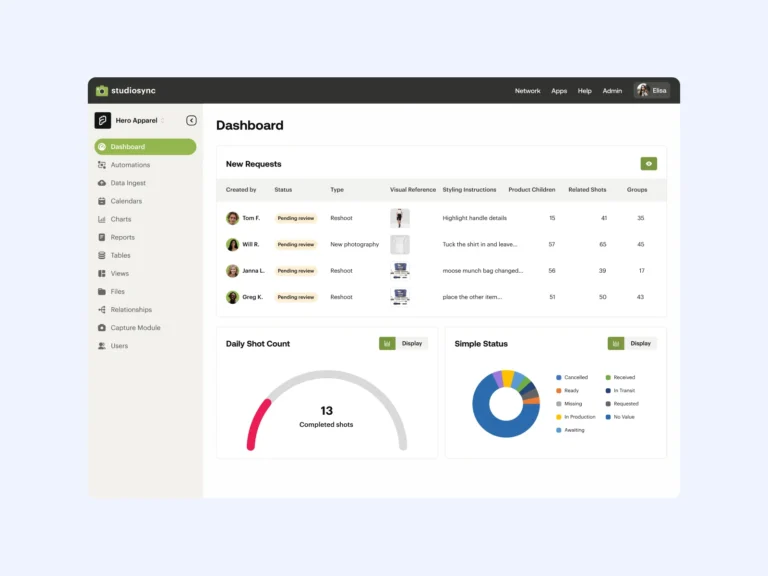
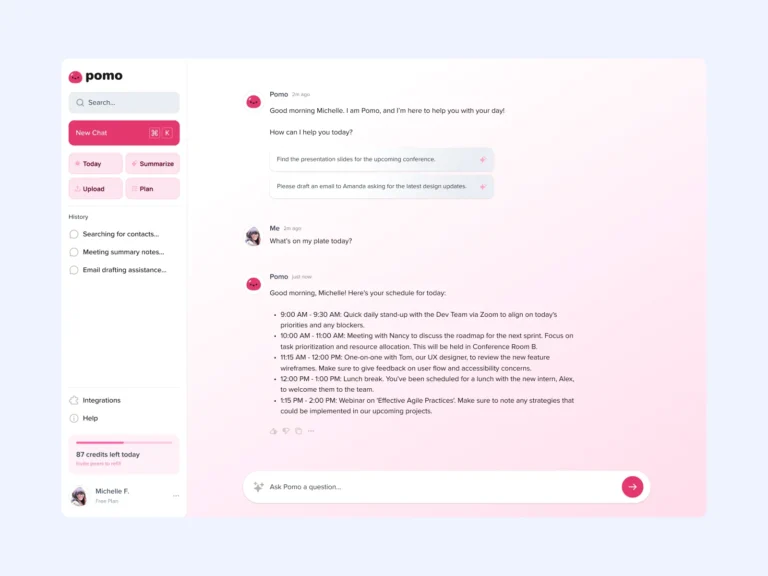
Deliverables
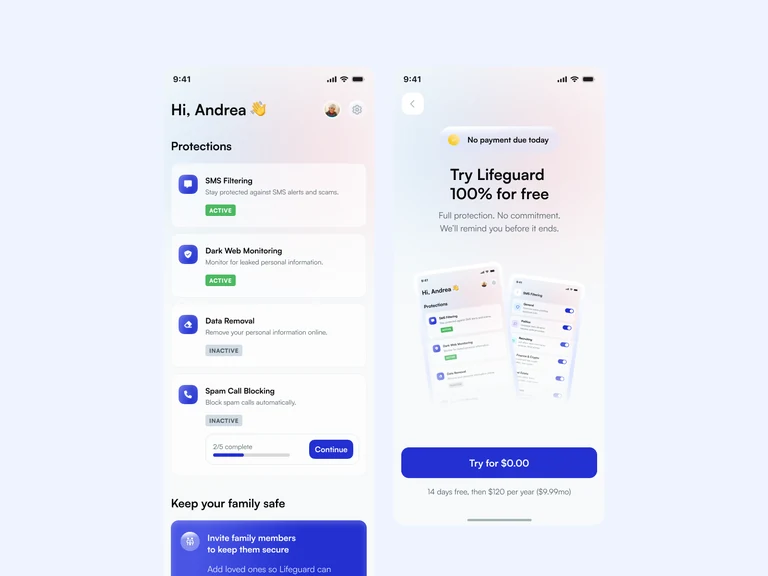
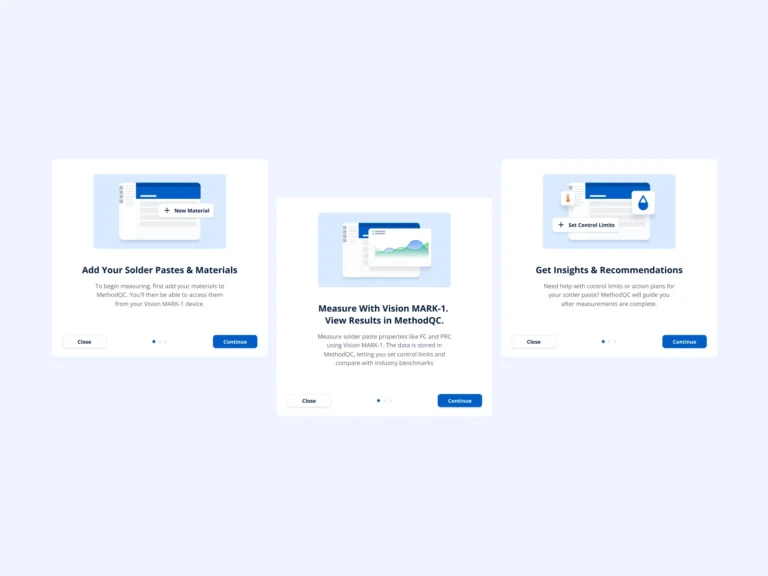
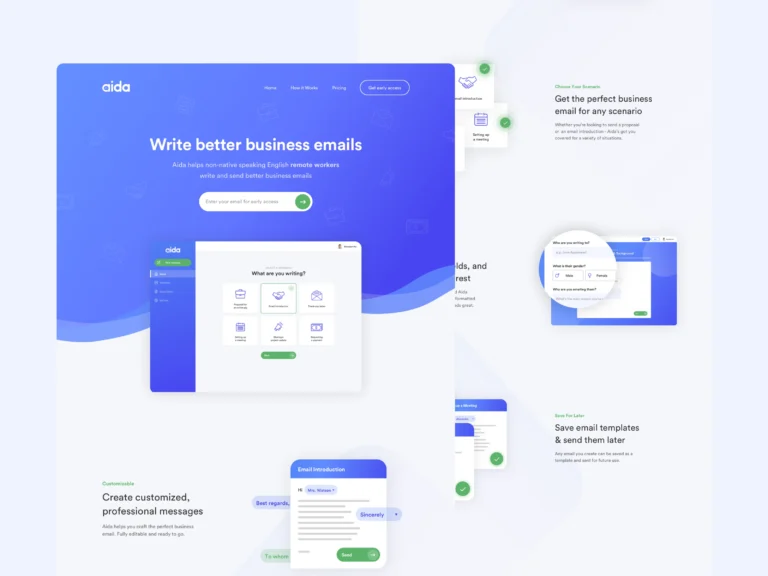
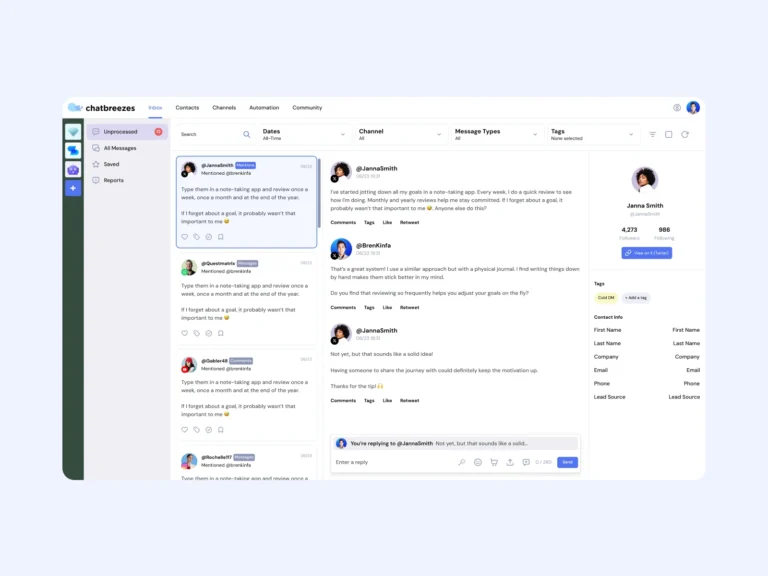
Copilots, agents, and inline help structured so users always know what the AI is doing and what happens next.
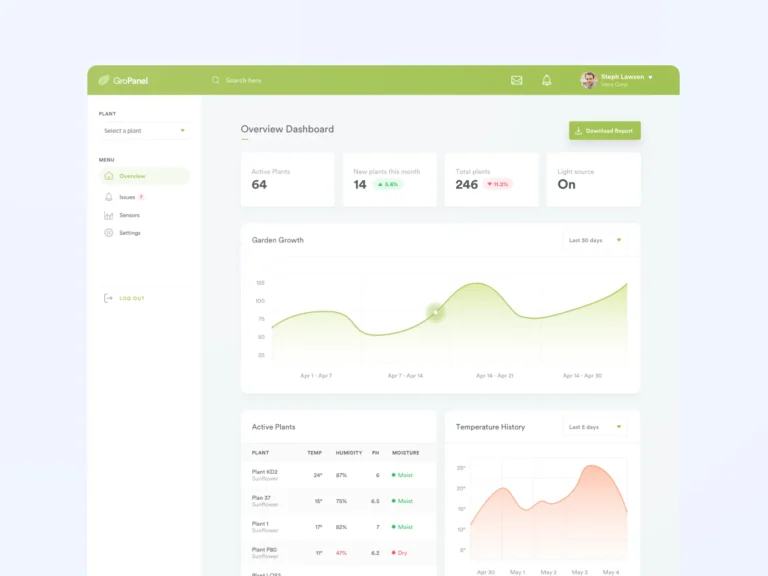
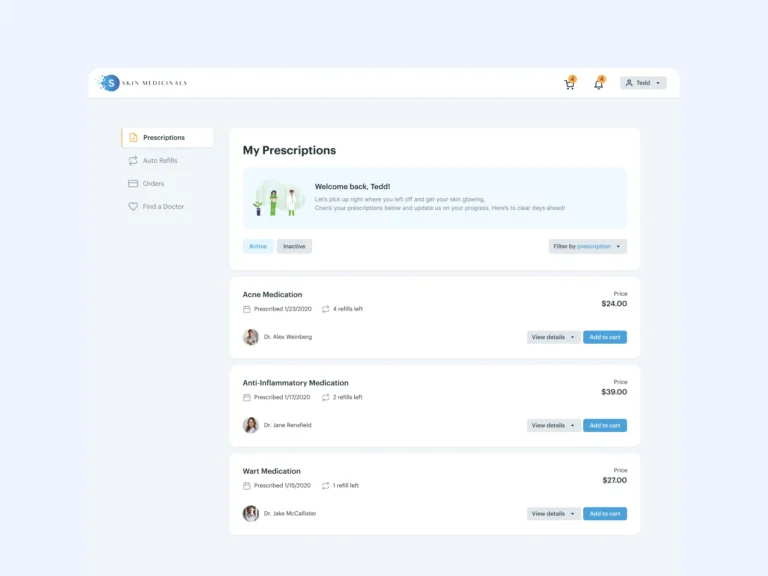
Loading, streaming, empty, error, review, and success states designed for every AI touchpoint, not just the demo path.
Confidence displays and human-in-the-loop moments placed where users need control, not sprinkled everywhere.
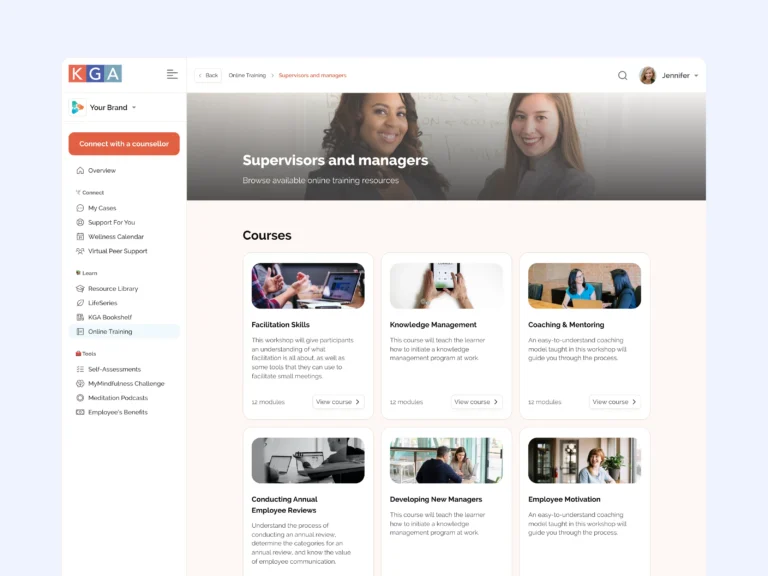
Tidy, labeled files your whole team can navigate without a guided tour.
Spacing, type, interaction notes, and edge cases documented in the file, ready for your engineers.
The reasoning behind each pattern walked through with you, so your team owns the thinking too.
Best suited to
For startups whose AI features deserve better than a chat box.
The product is evolving weekly and the interface needs to keep up without collecting UX debt.
You are introducing AI assistance into established workflows and it has to feel trustworthy from day one.
The AI is capable but users hesitate, misuse it, or ignore it. The interface is not carrying its weight.
Engagement fit
The process
From messy AI complexity to screens your engineers can build.
I map where AI meets your users today and where the friction and mistrust actually come from.
Each AI interaction gets a clear structure: trigger, action, feedback, review, and recovery.
High-fidelity screens with full states, iterated against real scenarios until they hold up.
Documented, organized Figma files with specs and edge cases your engineers can build from directly.
Testimonials
“Brendan is an incredibly talented and valuable designer, and it is not easy to find someone like that. I have worked with him in past roles, hiring him each time because he has proven not only to be a fantastic UX designer, deeply understanding the customer journey, but also incredibly easy to work with. He is communicative, responsive, and delivers iteratively. He is a dream to work with!”
 Ivy K.Senior Product Manager
“Brendan was organized and easy to work with and he was a strong communicator throughout. He is great at keeping a project moving in the right direction and compartmentalizing tasks into manageable buckets. His designs are both clean and sleek and can elevate the appearance of any tech project to a professional level.”
 Daniel P.Co-Founder, WagerWiz
FAQs
Copilots, agentic workflows, prompt interfaces, streaming responses, confidence and citation displays, review and approval steps, and inline assistance, always chosen to fit your product rather than applied as a checklist.
Yes. If you have a system I design within it and extend it where AI patterns need new components. If you do not, I keep the new screens consistent and structured so a system can grow out of them later.
I value your feedback on every design iteration I create. I’ll continue to revise and iterate on your design until you’re 100% delighted with the results. No extra charges for making it right.
Hey there! I’m Brendan, the founder of SaaS Designer. I’m not an agency, but a one-person design studio. When you work with SaaS Designer, you’re working directly with me, on a personal 1-to-1 basis. 😊
On a relevant note, try to stay away from agencies if you can. At the end of the day, most agencies are trying to scale. That usually means they’ll pair you with a lower-cost, less-experienced designer – while still charging you a premium to cover their own overhead. A lot of the time, your project ends up being outsourced without much transparency. So yeah, something to watch out for when dealing with these kinds of “design agencies.”
The next step is to reach out through my contact form and book a (video) call. This will help us see if we’re a good fit for each other. 😊
 Available
Hey! Does your AI feature confuse more users than it helps?
Tell me where users hesitate. I’ll design flows and states that make the AI feel clear and trustworthy.