
A modern UI, familiar bones
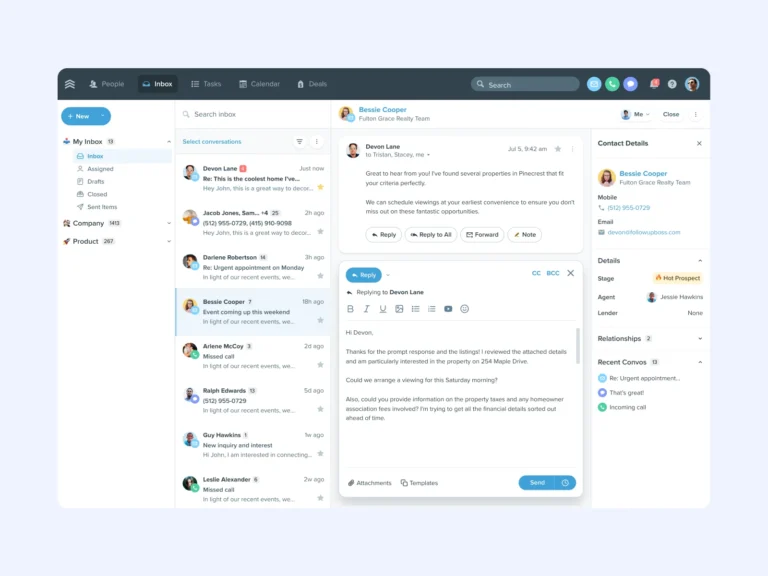
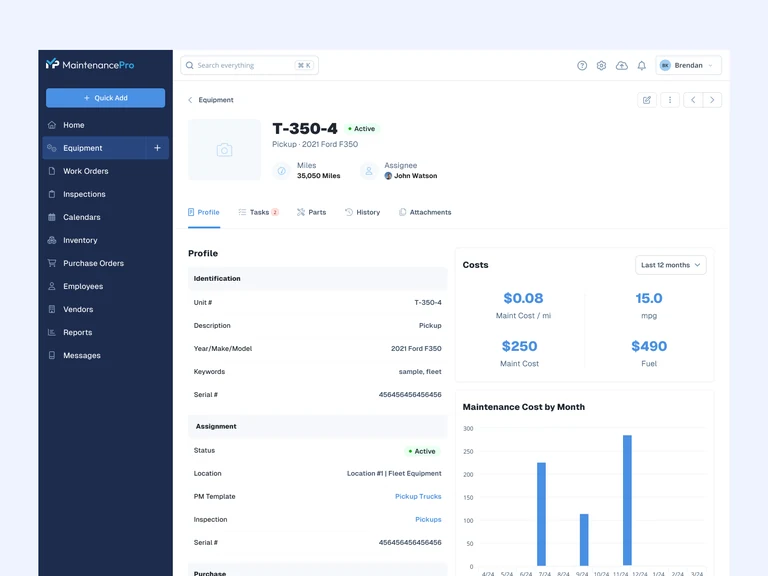
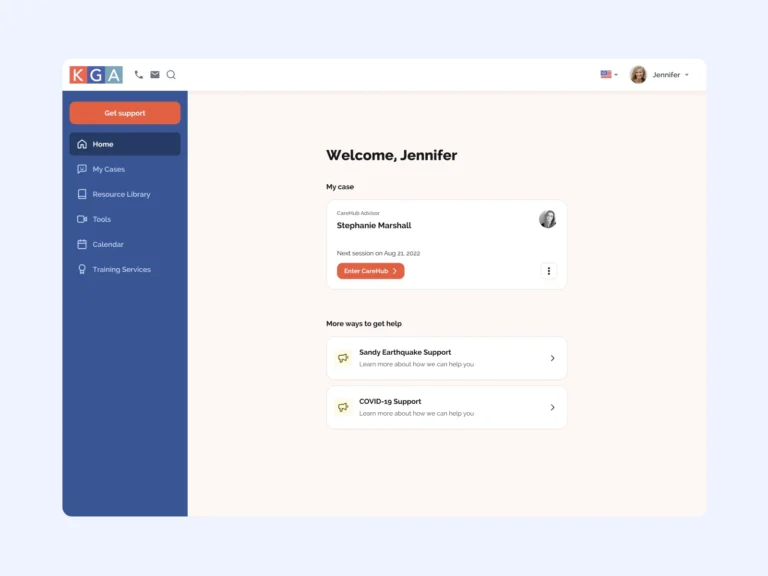
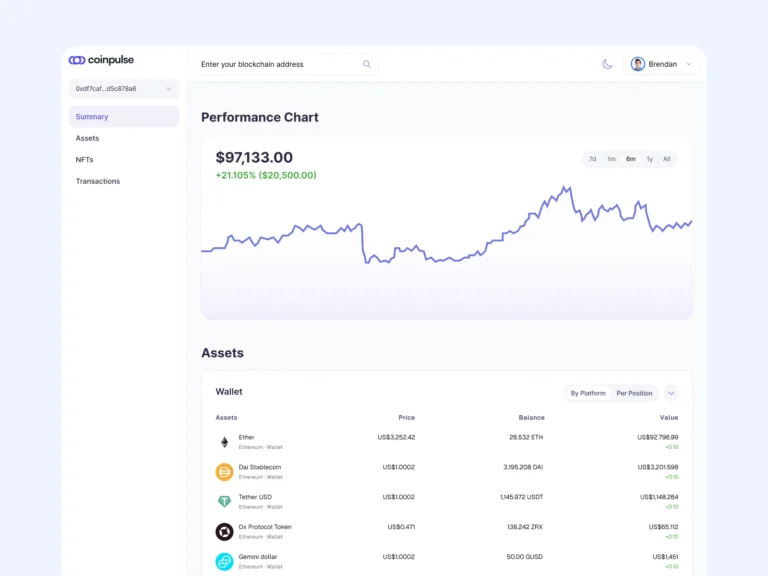
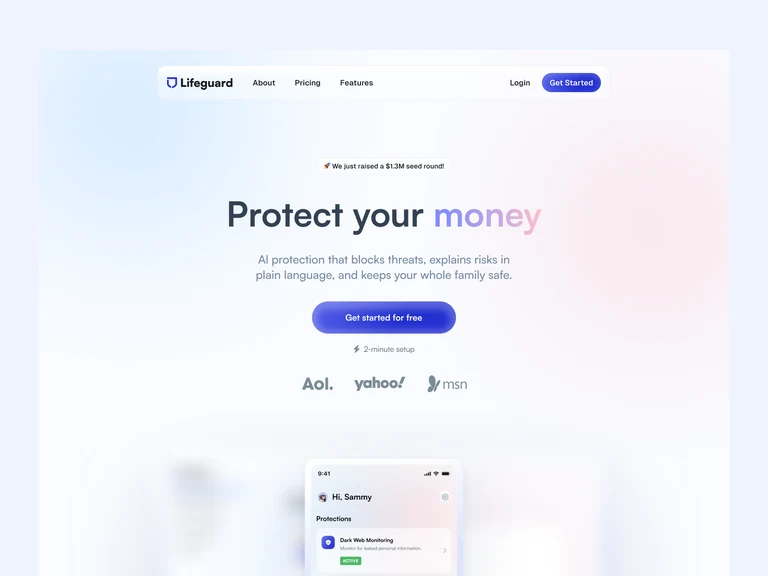
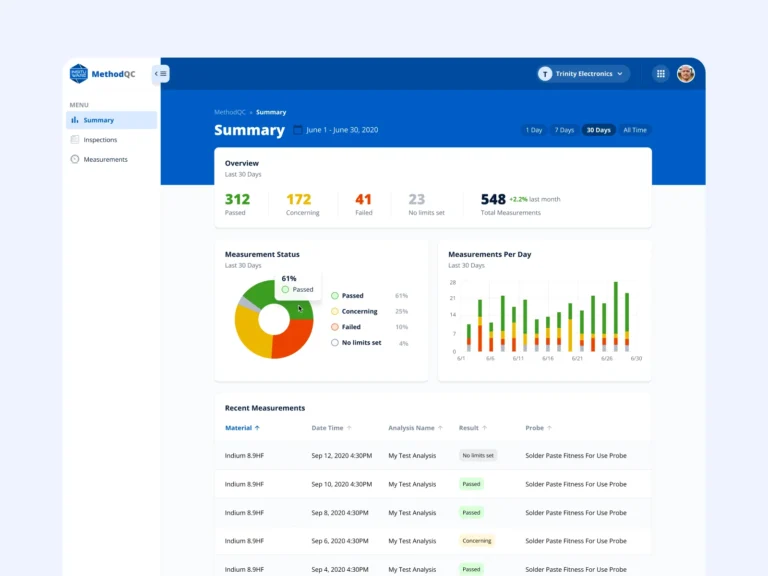
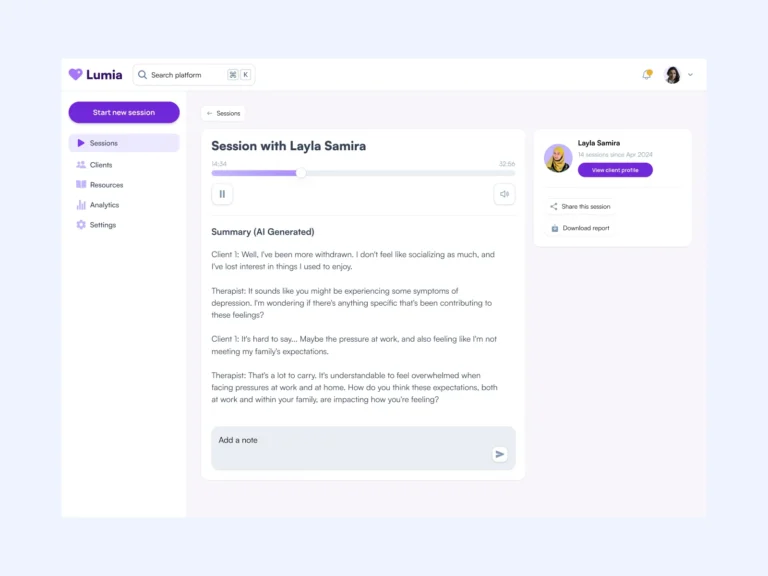
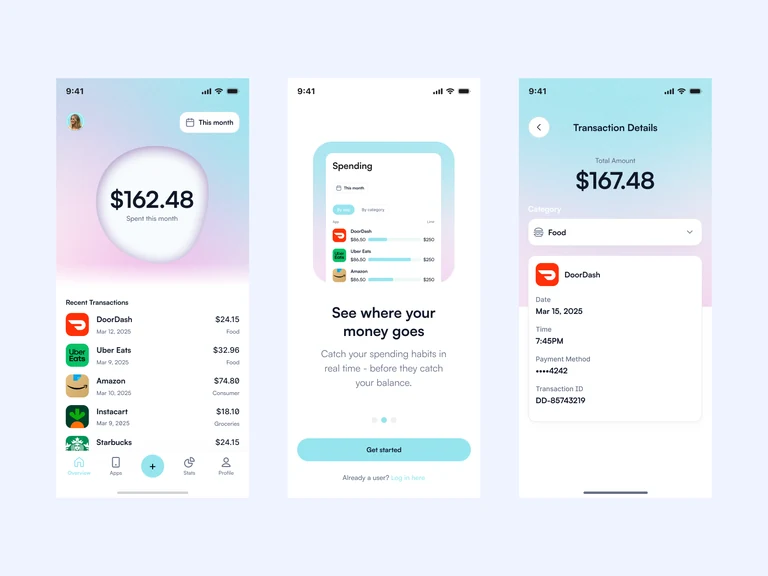
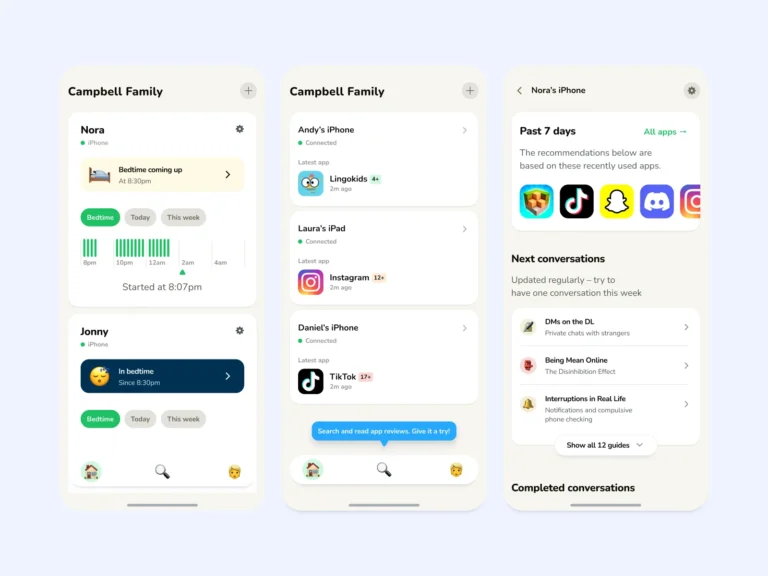
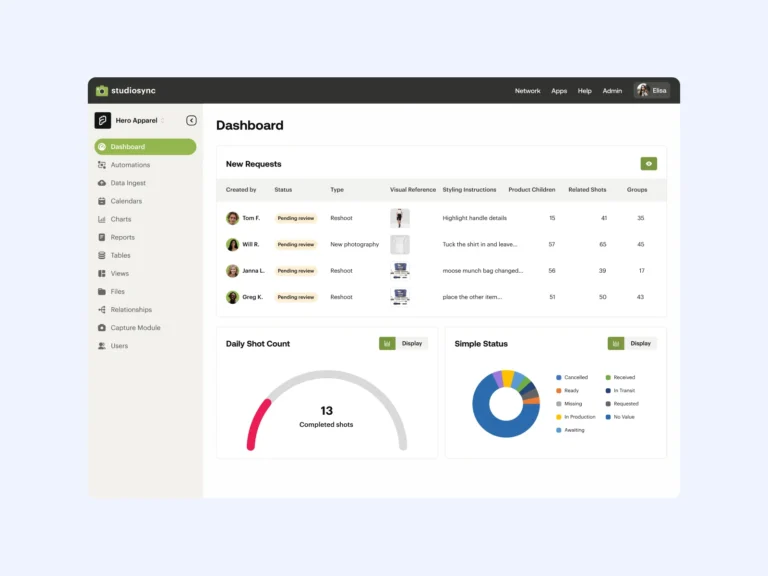
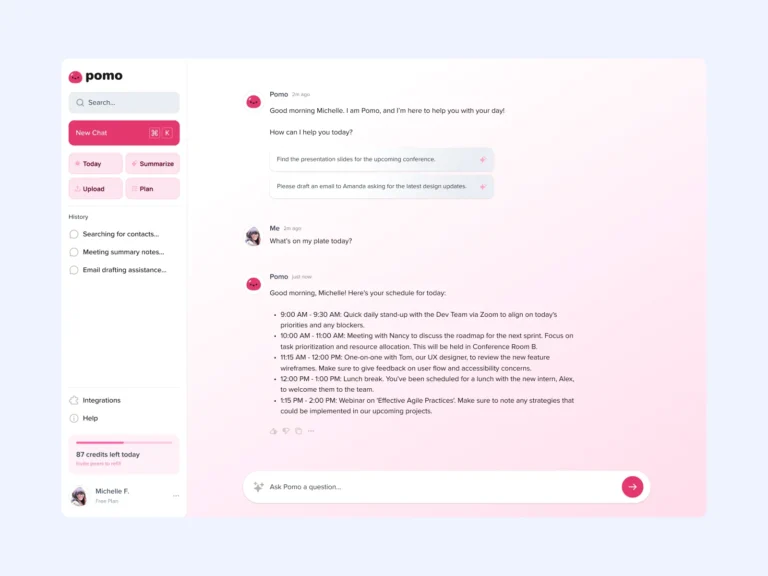
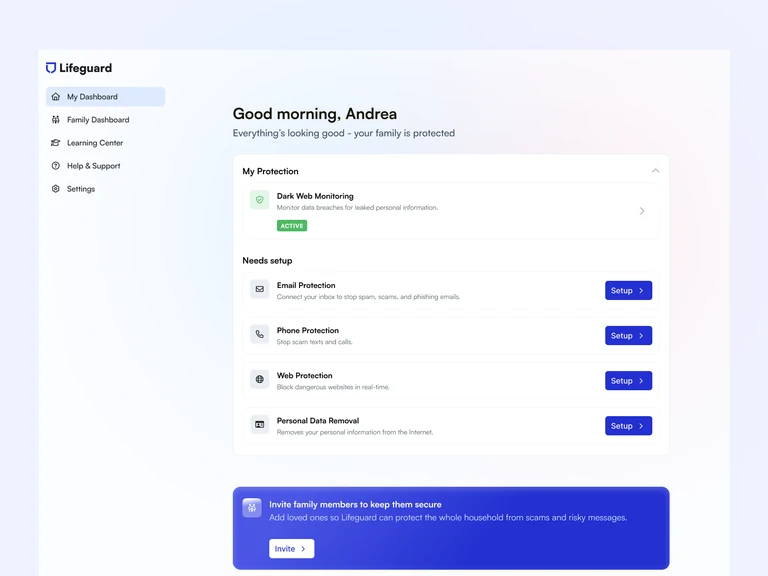
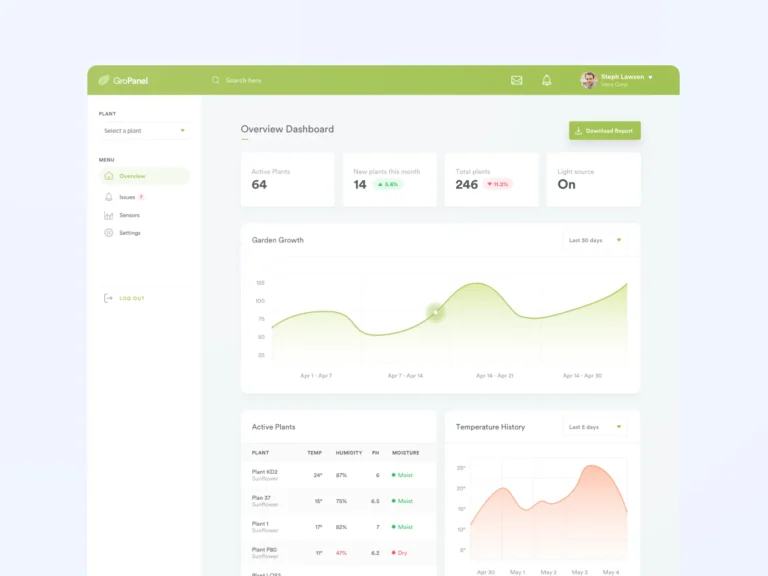
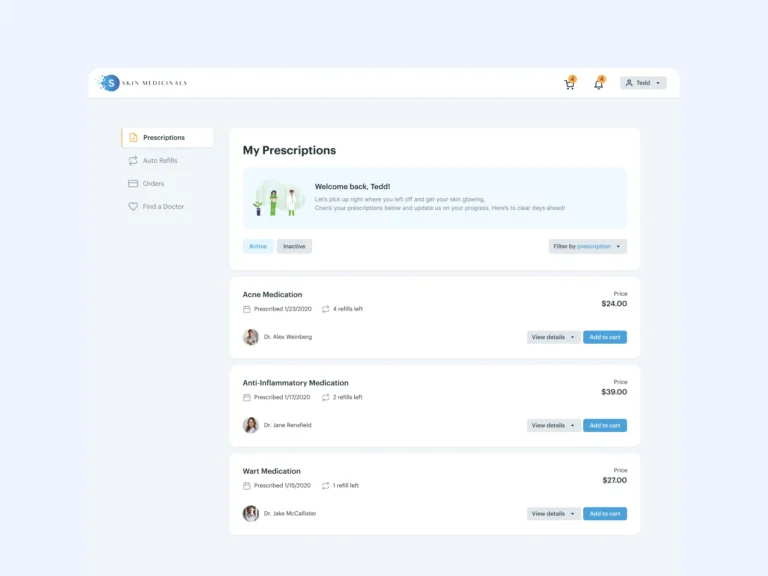
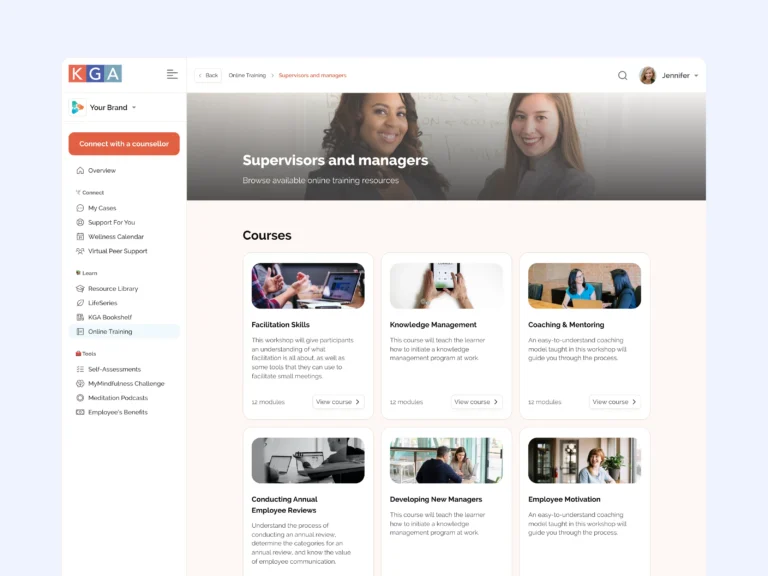
Navigation, tables, and detail views refreshed while the structure your users rely on stays intact.
Enterprise UX/UI & Product Refinement
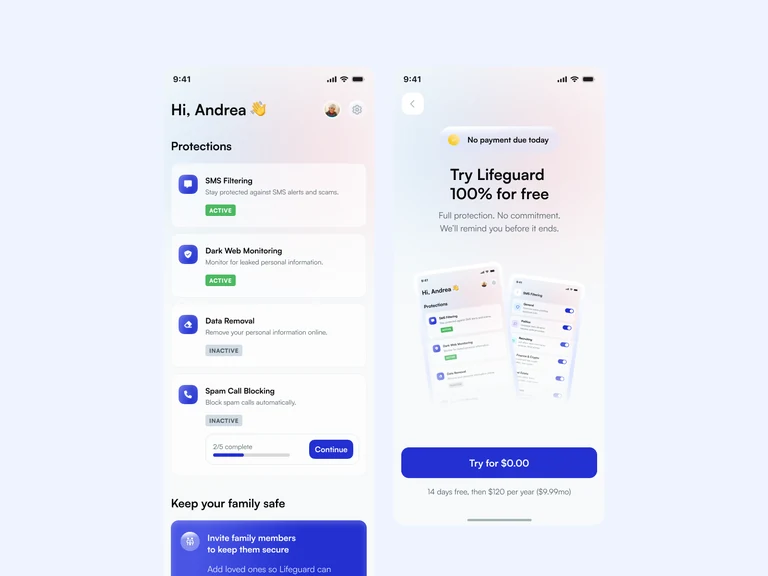
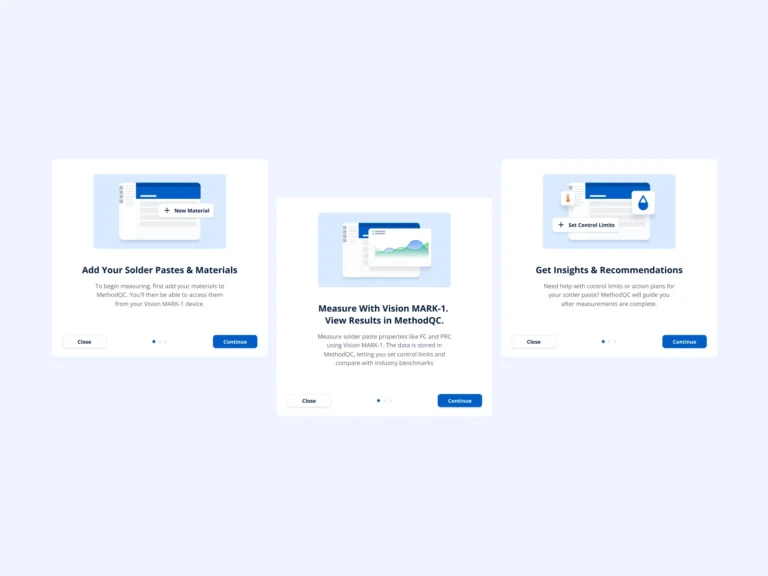
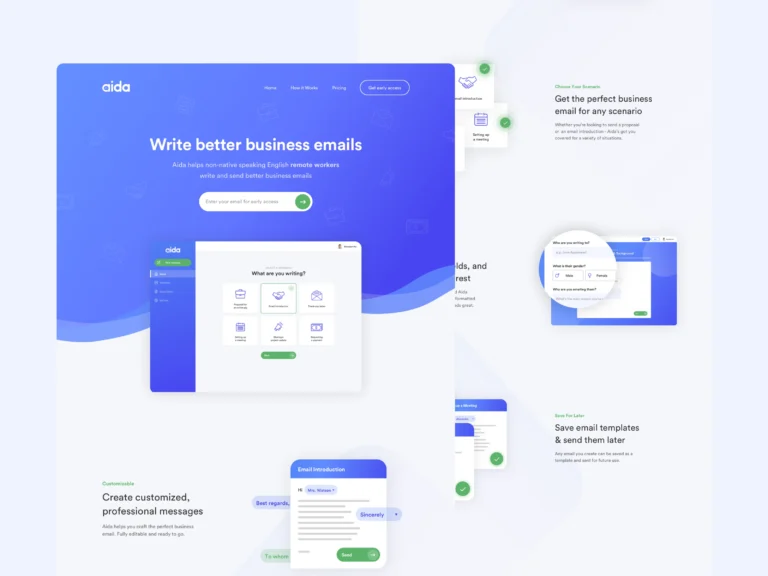
Loyal enterprise users rely on familiar workflows. I refine dated interfaces incrementally: modern UI polish, clearer workflows, and consistent components, with no full redesign.

Deliverables
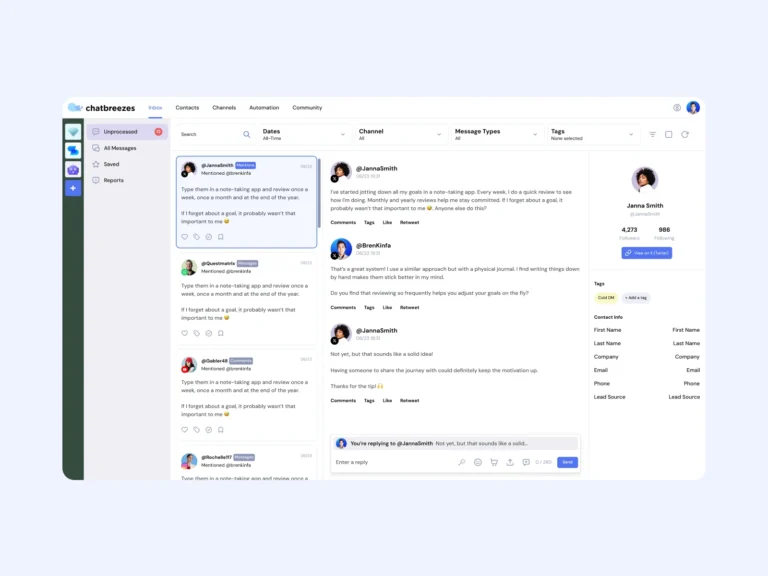
Navigation, tables, and detail views refreshed while the structure your users rely on stays intact.
The dense, high-traffic paths through your product untangled without retraining your customer base.
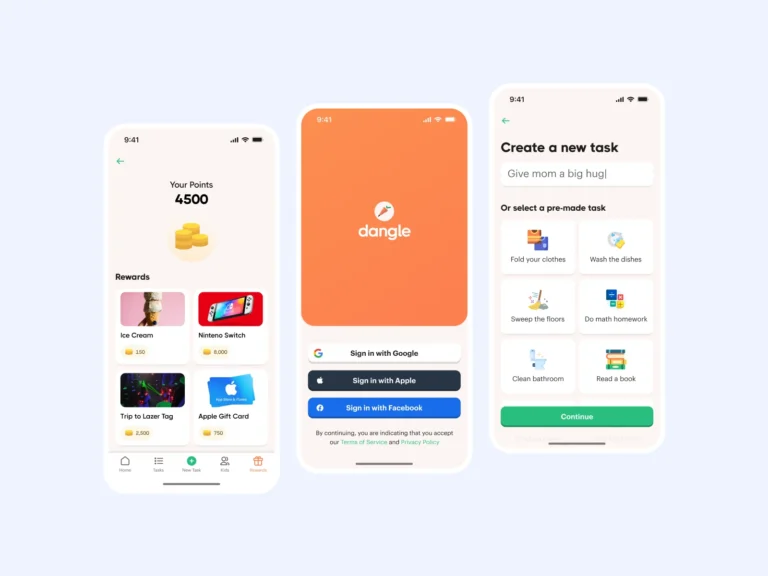
Duplicated one-off UI consolidated into components, so the platform feels like one product again.
Feature-rich workflows that stay usable on tablets and smaller screens, not just large monitors.
Production-ready Figma files scoped into pieces your team can ship release by release.
Working directly with your founders and engineers, so each refinement lands where it matters most.
Best suited to
For mature platforms whose users would riot over a rebuild, but wince at the UI.
Years of features and revenue, an interface showing its age, and customers with deeply ingrained habits.
The product is capable but looks dated in demos, and modern competitors are using that against you.
Every team shipped its own buttons and tables, and the platform no longer feels like one product.
Engagement fit
The process
Incremental by design: visible progress, zero user revolt.
I audit the platform with fresh senior eyes and map where dated UI actually costs you: usability, demos, and dev speed.
Together we pick the surfaces where refinement pays off most, instead of boiling the ocean.
Each screen is modernized within its existing structure and checked against the workflows your users depend on.
Dev-ready files scoped to your release cycle, so improvement reaches users steadily and safely.
Testimonials
“Brendan has helped us turn our software from a clunky, confusing experience into a clean and delightful one. He made suggestions to improve our ideas and took initiative to show us extra designs using his approach. We are definitely going to continue using his services as long as possible.”
 Tom W.Founder, Harness Software (acquired)
“We’ve really enjoyed your work and as you may have seen, we’ve implemented it (maybe not pixel by pixel) and it’s working well.”
 Tyson P.CTO, KGA
FAQs
Avoiding that is the point of the approach. Refinements keep the structure and habits your users rely on, and ship incrementally so each release feels like an improvement rather than a relearning exercise.
For a mature platform, a big-bang redesign risks your most loyal users and stalls your roadmap while everything is rebuilt. Incremental refinement delivers visible modernization while the product keeps shipping.
We prioritize together based on impact: the screens your users live in, the surfaces that hurt in sales demos, and the components whose inconsistency slows your developers the most.
I value your feedback on every design iteration I create. I’ll continue to revise and iterate on your design until you’re 100% delighted with the results. No extra charges for making it right.
The next step is to reach out through my contact form and book a (video) call. This will help us see if we’re a good fit for each other. 😊
 Available
Hey! Is your platform powerful but showing its age?
Tell me where the UI hurts most. I’ll modernize it piece by piece, without disrupting the users who depend on it.